
GTA: Vice City browser setup
The linked Vice City project exposes a game.tar.gz import workflow. Read the expected archive format and prepare your own game data before opening a session.
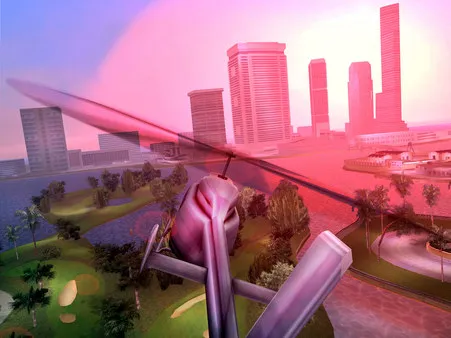
An import screen is your starting point.
The setup page describes retaining an imported archive in browser-local storage. It also has a separate save import area for PC saves; a save file and the game-data archive serve different purposes. We did not import either.
Open project website ↗External host · No game files supplied by Radiant Guide
Prepare your first visit
- Identify the requested archiveFollow this host’s instructions for your own data. Do not assume that a setup guide for another reVC port uses the same archive layout.
- Read the import resultWait for the host to finish preparing the archive before starting. Keep its exact error if it rejects the file.
- Plan for saves and storageReview the host’s save controls and export options before resetting game data or clearing site storage. The page’s offline claims were not independently tested.
If you arrived looking for GTA 5
Vice City is a different game. The GTA 5 entry in the original reply is an archived page; our directory preserves it as historical context, not a working substitute or a confirmed GTA V browser release.
Will it run on my phone?
The page includes orientation and fullscreen controls, but their presence does not establish reliable mobile performance. Check the current project guidance for your device; no device benchmark is available here.
Sources and check limits
Checked October 10, 2026: the project entry and the @RadiantOpti links reply. This guide reports source and setup information. We have not verified a full gameplay session, all modes, safety, licensing permissions or every device.
Back to all 25 source entries ↗ · Loading and browser troubleshooting ↗
 Browser games
 Browser games
 Browser games