
Quake in the browser
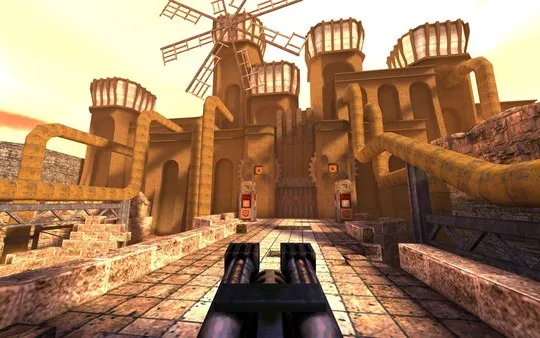
The source reply’s Quake link leads to q1.pieter.com, which describes a QuakeWorld multiplayer project. This is a specific destination, not a promise that every Quake campaign is included.
Check the mode before you join.
The host identifies FTE QuakeWorld as its engine and describes sessions of up to eight players. These are host statements; we have not joined or measured a match.
Open project website ↗External host · No game files supplied by Radiant Guide
Prepare your first visit
- Open the named projectCheck that the page identifies QuakeWorld. Several unrelated browser ports also use the Quake name.
- Review its Play screenUse the current mode and server choices on the host. Do not assume an active lobby or full campaign from the title alone.
- Find controls before a matchUse the host’s input settings and confirm how to release the mouse. A keyboard layout copied from another port may differ.
If you wanted the classic campaign
The page separately links a DOS Quake version. That is another route with its own requirements; multiplayer access does not establish campaign content.
Has Radiant Guide tested the gameplay?
No. We checked the project identity and landing-page instructions. Matchmaking, frame rate, mobile behavior and progress persistence remain untested.
Sources and check limits
Checked October 10, 2026: the project entry and the @RadiantOpti links reply. This guide reports source and setup information. We have not verified a full gameplay session, all modes, safety, licensing permissions or every device.
Back to all 25 source entries ↗ · Loading and browser troubleshooting ↗
 Browser games
 Browser games
 Browser games